What your kid actually learns.
Ten modules. Each runs a few weeks and ends with one finished thing your child made — a poster, a film, a game, a device that works.
Short, finished, and theirs.
90 minutes, twice a week
A module is 3 to 8 sessions — so most take two to four weeks. The whole catalogue is 51 sessions if a kid does every one.
It ends in something real
Not a certificate and not a test. A film you can watch, a game you can play, a device that beeps when you walk past it.
Studio, online, or your school
The same modules run at our Rawalpindi studio, live online from anywhere, or delivered at your school.
Everyone starts with Directing AI.
A kid who can only accept whatever the AI hands back hasn’t learned a skill — they’ve learned a habit that will age badly. So before anything else, they learn to run it.
- Ask for what they actually want — context, constraints, examples
- Catch the AI being confidently wrong, and say how they knew
- Compare three tools on the same job and pick with a reason
- Decide when not to use AI at all
ChatGPT · Claude · Gemini
Nine more, across the four lanes.
Each badge shows which of the four lanes a module belongs to. Kids usually fall for one lane and borrow from the rest — which is exactly what we want.
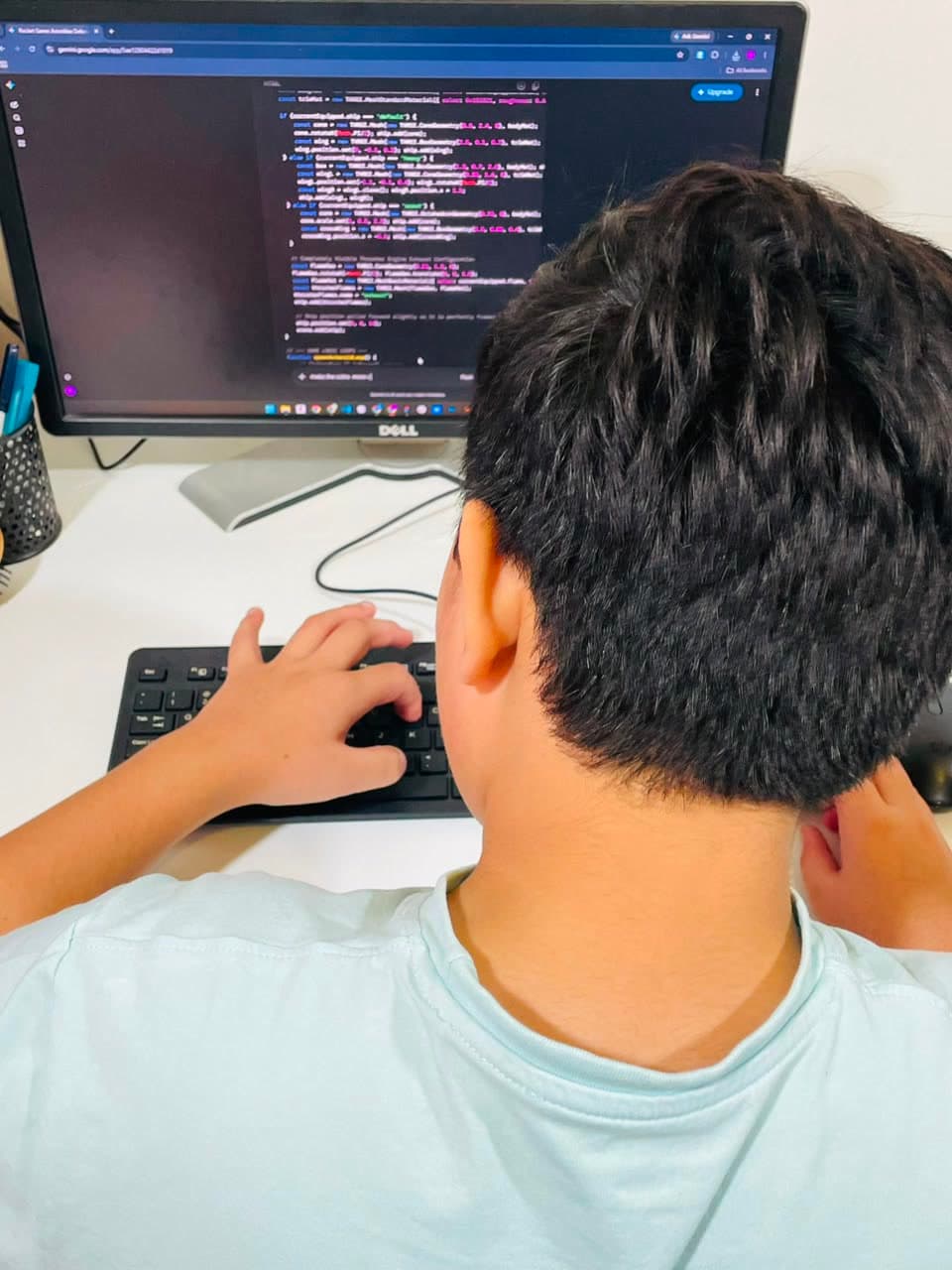
The code modules are what people now call vibe coding: kids describe what they want in plain words, AI writes the code, and they read, test and fix it until it works. Why we teach it this way.
Short Films
6 sessions
The whole pipeline, start to finish: idea, storyboard, shots, voice, music, cut. This is the module most kids come for.
- Storyboard before generating anything — plan the shots first
- Speak the language of film: wide, close, cut, pace
- Generate video that matches the storyboard, then fix what doesn't
- Add voice and music, and edit to the beat
Veo · Seedance · Higgsfield · ElevenLabs · Suno · CapCut
They make · A finished 60–90 second film with their own voice-over and soundtrack.
Pictures & Posters
4 sessions
The first creative win. Kids learn that the interesting part isn't generating an image — it's getting the one in their head.
- Describe an image precisely enough that it comes out right
- Direct style, mood, camera and colour on purpose
- Keep one character looking the same across many pictures
- Edit and refine an image instead of rolling the dice again
Nano Banana · Midjourney · Higgsfield · Canva
They make · A printed-quality poster and a character sheet of someone they invented.
Stories & Comics
4 sessions
Writing with AI, not being written for. The kid stays the author — the AI is the illustrator and the editor.
- Build a story that has a beginning, a turn and an ending
- Use AI to challenge their draft rather than replace it
- Hold characters, world and tone steady across a whole piece
- Lay out pages so the reading actually flows
Claude · ChatGPT · Nano Banana · Canva
They make · An illustrated short story or a comic with a cast that stays consistent page to page.
Game Studio
6 sessions
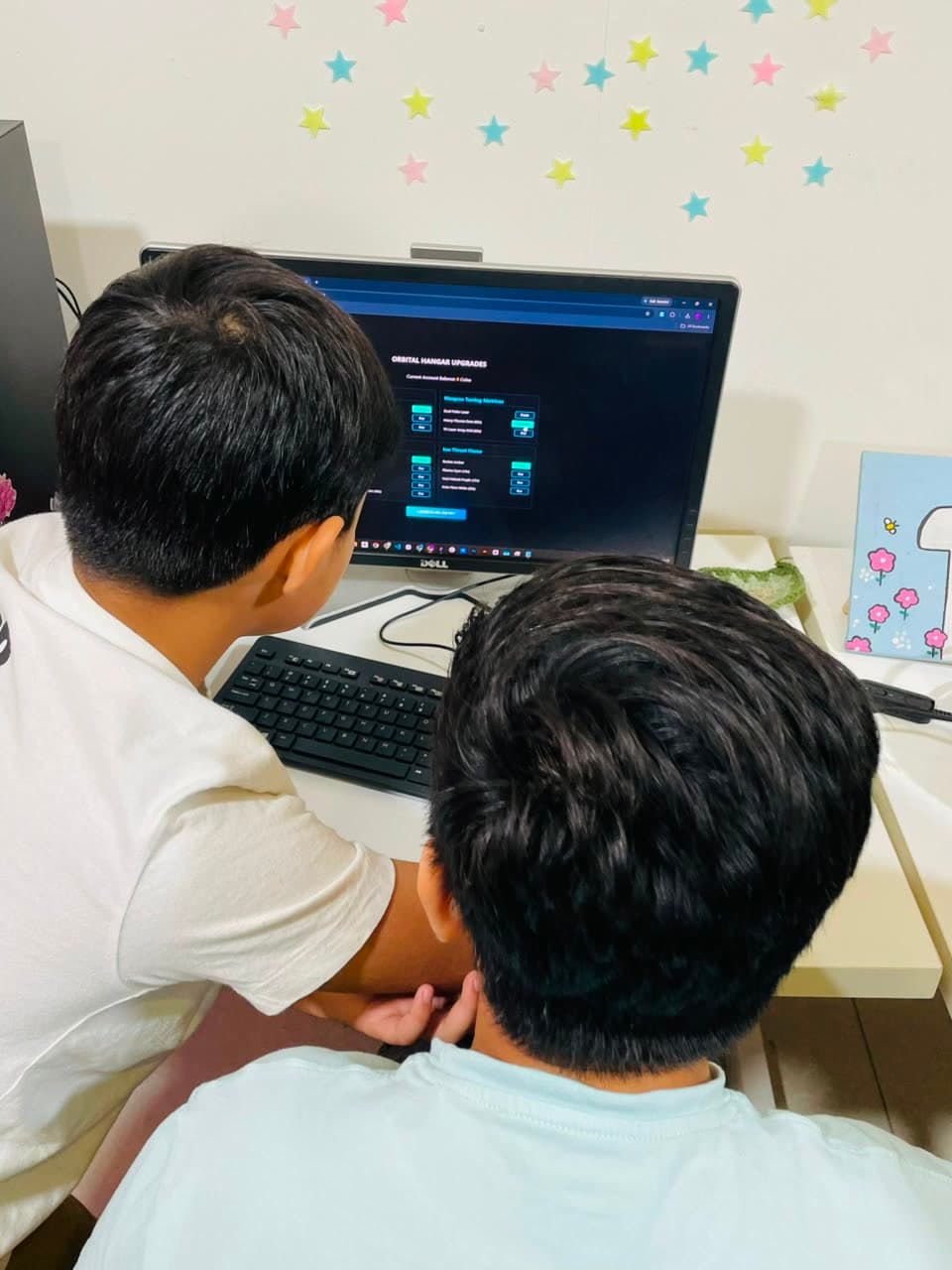
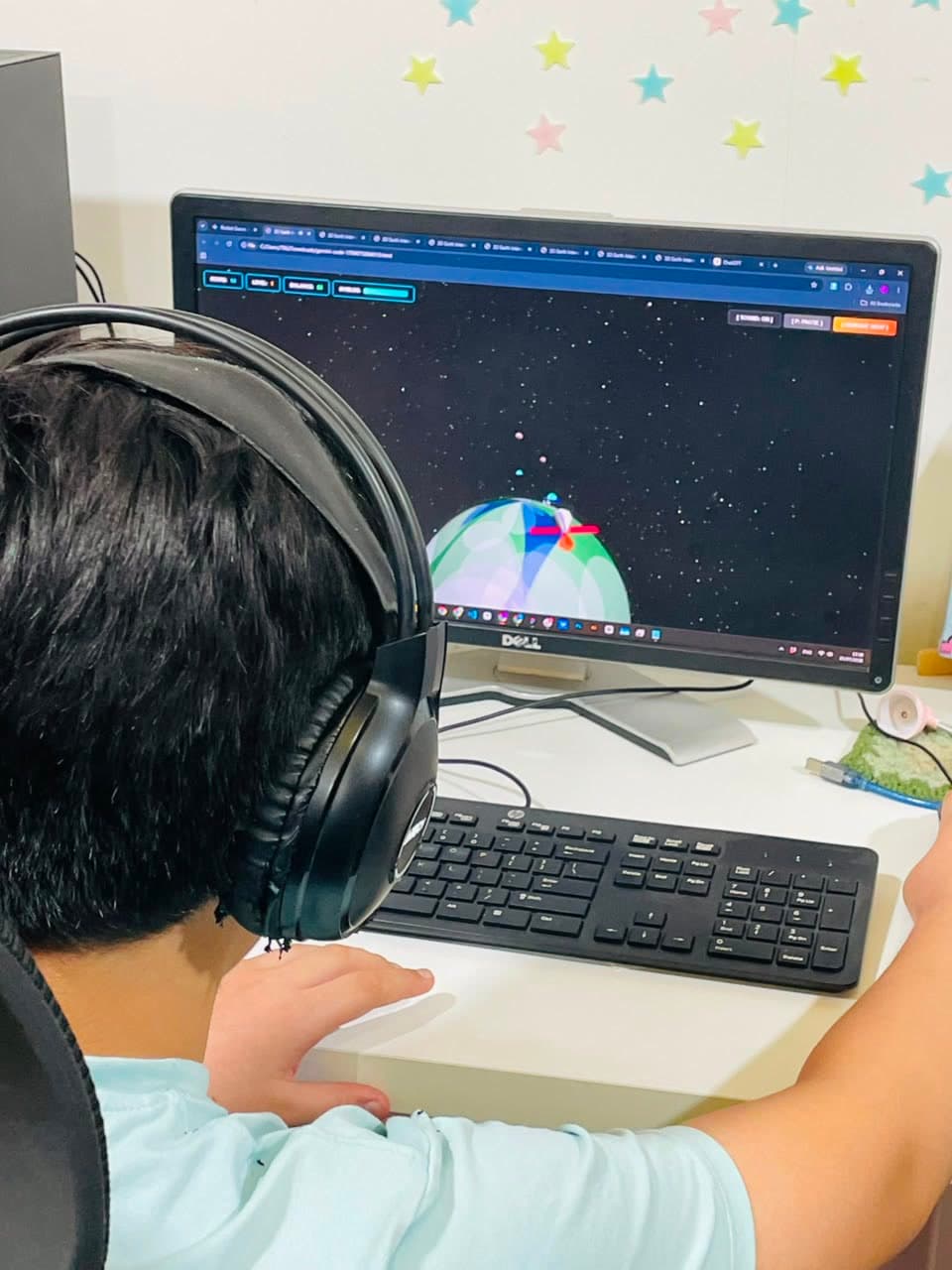
Where a game stops being a toy and starts being a project — levels, difficulty, feel, and their own art in it.
- Design levels and difficulty that keep a player going
- Bring in their own characters from Pictures & Posters
- Read the code well enough to change it themselves
- Hunt a bug down instead of asking the AI to start over
Godot · Claude Code · Scratch
They make · A multi-level game with score, sound, and artwork they made themselves.
First Games
4 sessions
The fastest route from 'I have an idea' to 'my cousin is playing my game'. Rules first, code second.
- Turn a game idea into rules, controls and a way to win
- Describe a game to AI clearly enough to get it built
- Test it, find what's not fun, and change it
- Publish it and hand someone the link
Claude · Gemini · Scratch
They make · A browser game with a link the family can actually play.
Apps & Sites
6 sessions
The step up from making things for yourself to making things for someone else — and hearing what they think.
- Start from a real person's problem, not from a feature list
- Sketch screens and the path a user takes through them
- Store and read back real data, explained in plain words
- Ship it live, then change it after the first honest feedback
Claude Code · Google Antigravity · Vercel
They make · A real web app, live on the internet, that someone other than them uses.
Data & Truth
4 sessions
The module that makes the rest trustworthy. Kids learn to check what AI tells them, and to prove things with data.
- Turn a big vague question into one they can actually answer
- Find real numbers and say where they came from
- Make a chart that tells the truth rather than a nice story
- Fact-check an AI answer and show the working
ChatGPT · Claude analysis · spreadsheets
They make · A short, honest answer to a real question — with a chart and named sources.
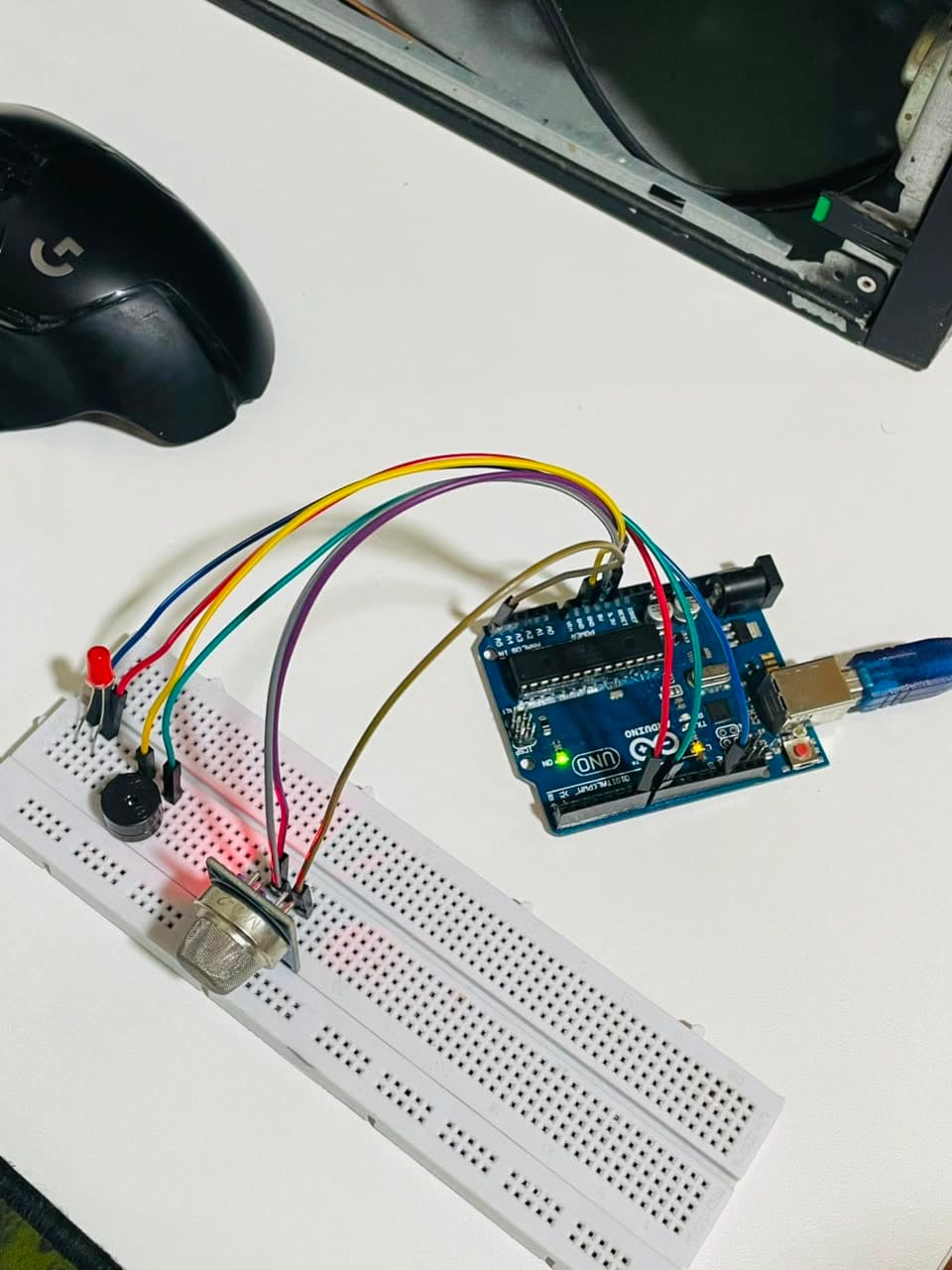
Smart Devices
6 sessions
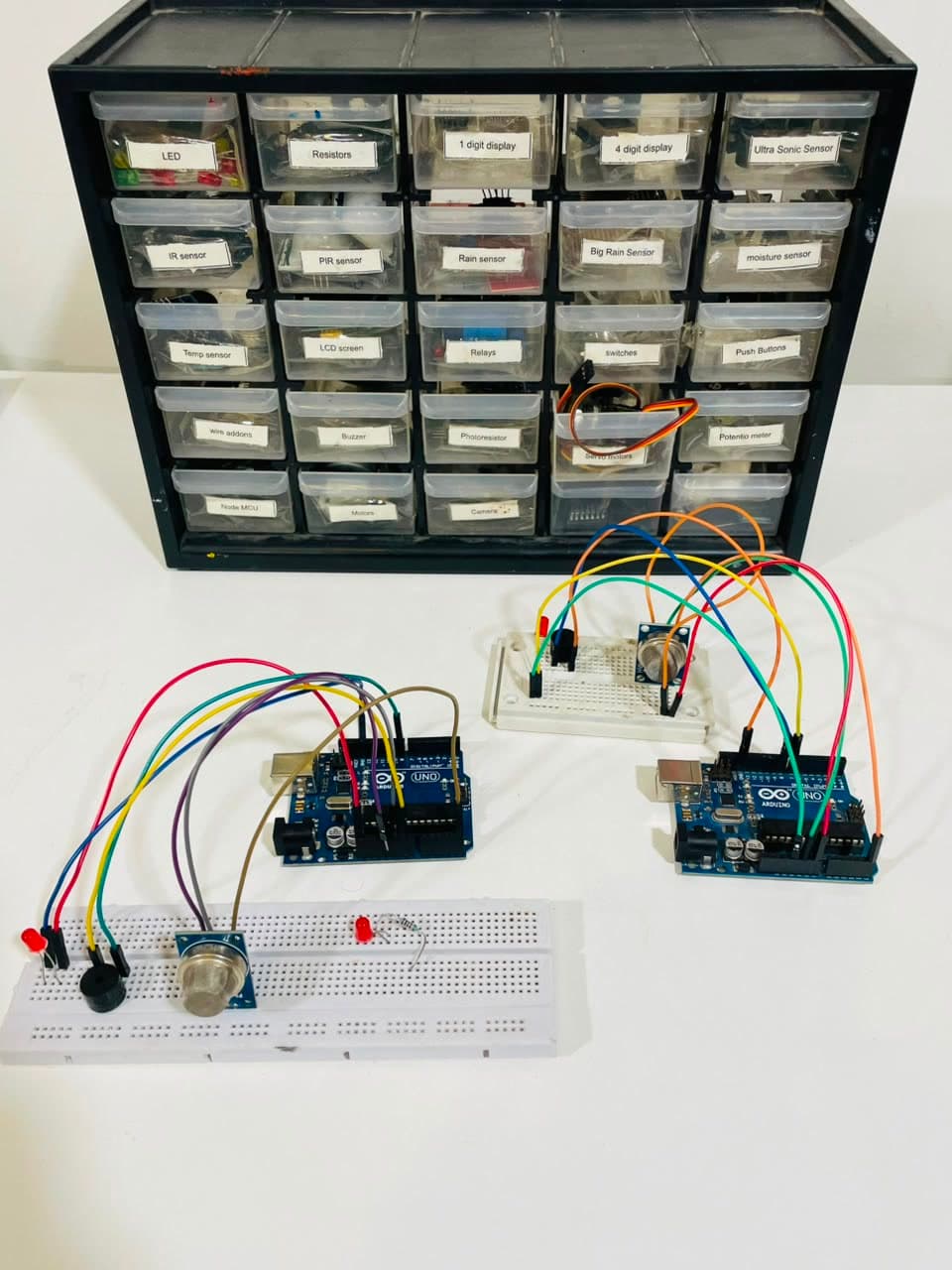
Real hardware, learned online. Kids start in a free circuit simulator, then build the same thing for real with a kit.
- Read a circuit and wire it without breaking it
- Get a sensor's reading and make something happen because of it
- Write the firmware with AI, then work out why it isn't working
- Explain what their device does and who it's for
Robonamix Circuit Playground · Wokwi · Arduino · NodeMCU · a hardware kit
Sessions 1–2 run entirely in our free online Circuit Playground, so a kid can start immediately — nothing waits on a delivery. The kit comes after that, once they know what they're building. It isn't included: families buy one of ours, delivered inside Pakistan, or the same parts from any shop using our parts list.
They make · A working device on their desk that senses something and reacts to it.
Your Own Thing
8 sessions
The capstone. No brief from us — they pick it, plan it, and see it through, pulling in whichever modules it needs.
- Choose a project that's genuinely theirs and scope it honestly
- Plan the work and keep going when the interesting part is over
- Combine lanes — a film with a website, a game with a device
- Present it to real people and answer their questions
Whatever the project needs
Taken after any two other modules. Kids who reach this point are on the Contributor rung of the ladder.
They make · One ambitious project of their own choosing, finished and shown to people.
The modules hand work to each other.
This is what makes it a curriculum rather than a menu. Work made in one module turns up as raw material in the next — so nothing a kid makes is ever thrown away.
The character they designed becomes the sprite they play as.
The story they wrote becomes the storyboard they shoot.
The sensor on their desk gets a live dashboard anyone can open.
The documentary stops being a nice video and starts being true.
Three ready-made paths.
Four modules each — roughly a term at two sessions a week. Pick the one that sounds like your child and we’ll adjust as we learn what they actually love.
The Storyteller
Kids who draw, write, or won't stop telling you about a film they'd make.
Ends with · A finished short film with their own characters, voice and music.
The Builder
Kids who want to make something other people can open and use.
Ends with · A published game and a live web app people actually use.
The Maker
Kids who take things apart, and want their computer to control something real.
Ends with · A working device on their desk with its own dashboard on the web.
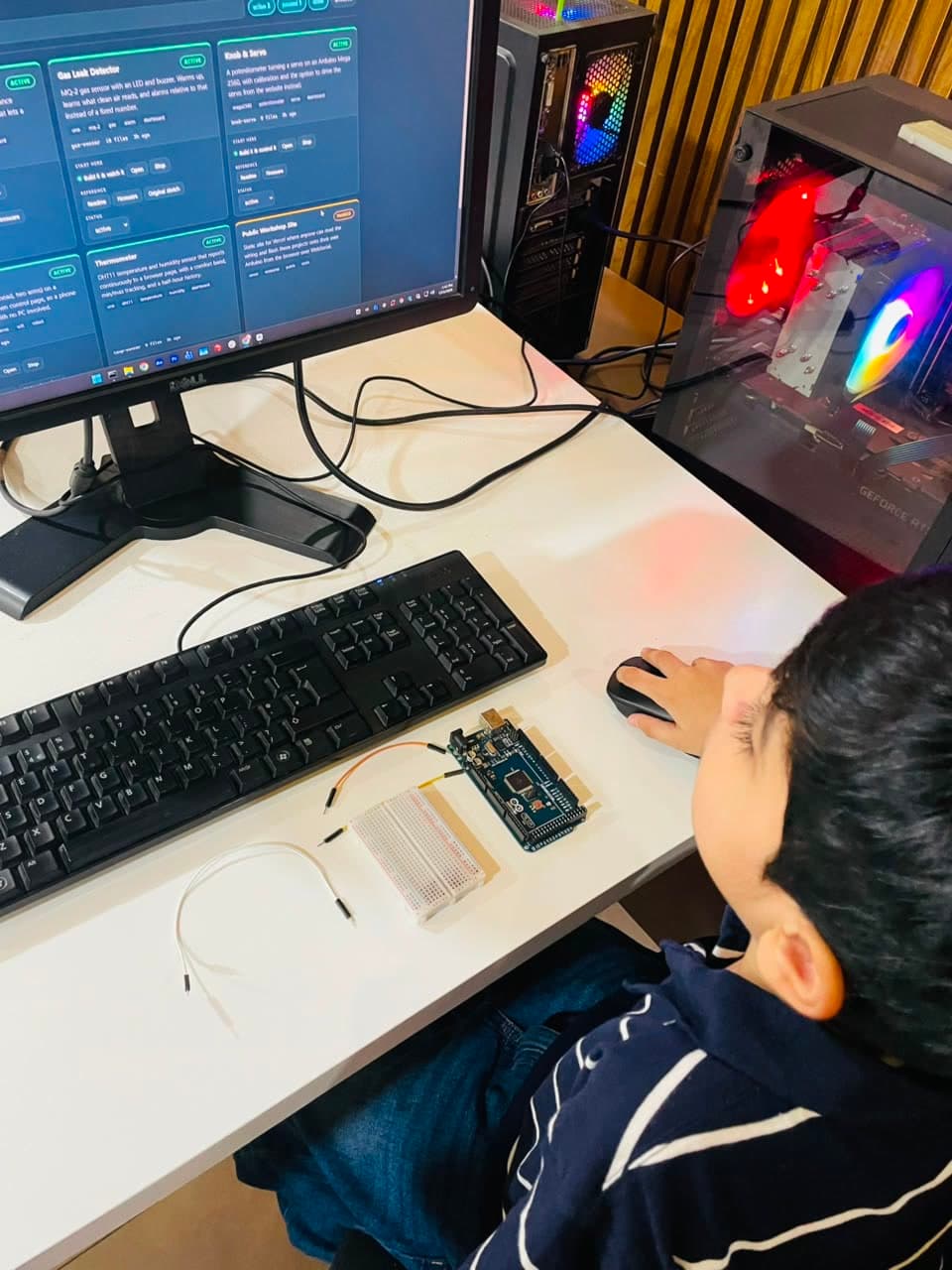
Every module comes with a login.
Modules aren’t only what happens in the session. Between sessions your child picks up set work in their own tracker, hands it in with a photo or a link, and gets a written response — what worked, what to fix, and what to do next. No score out of ten.