How we teach

We don't teach kids to memorize code.We teach them to design with it.

Kids learn the machine's own commands by hand first. Then they direct an AI — and check every guess it makes against the real thing. What remains is the part that's actually hard: what should this thing do, and why?

The old way

Memorize syntax. Then maybe build something.

Most kids-coding programs still spend the first three weeks teaching loops, variables, and brackets. By the time a kid gets to build anything real, half the class has lost interest. The ones who push through learn syntax they can already get from an AI in two seconds. They didn't learn the part that's actually hard.
What changes with AI

Learn the commands first. Then let the AI guess.

Before anyone is allowed to say a sentence to the AI, kids type the machine's own commands by hand — BARRIER OPEN, HOLD 5, SAFE. A kid who has typed the command can judge the AI's version of it; a kid who meets the AI first learns that the box is magic. Then the AI does the translating, and their focus goes where it matters: what they want the thing to do. Shy or curious? Fast or slow? Sound, or light?

1 · by hand, first

blink 5lightbeep 3soundservo 90move

2 · then the AI

Checked on the board

“wave hello” SWEEP

The arm swept. The guess is only useful because the kid already knows what SWEEP does.

Where the real learning happens

Debugging is the new skill.

When the AI's guess is wrong — and the first time, it will be — the machine says so: the arm doesn't lift, the board answers ERR. The kid has to work out why. Is the wiring wrong? Is the sensor reading what they thought? Did the AI pick the wrong command? This is real engineering, and we teach it to 9-year-olds. The AI guesses. The machine checks. You judge.

pin 13
Serial monitor9600 baud

> LED ON

OK LED ON

> LED ON

OK LED ON

Found it — the jumper. The code was never wrong.

In the room

What the methodology actually looks like.

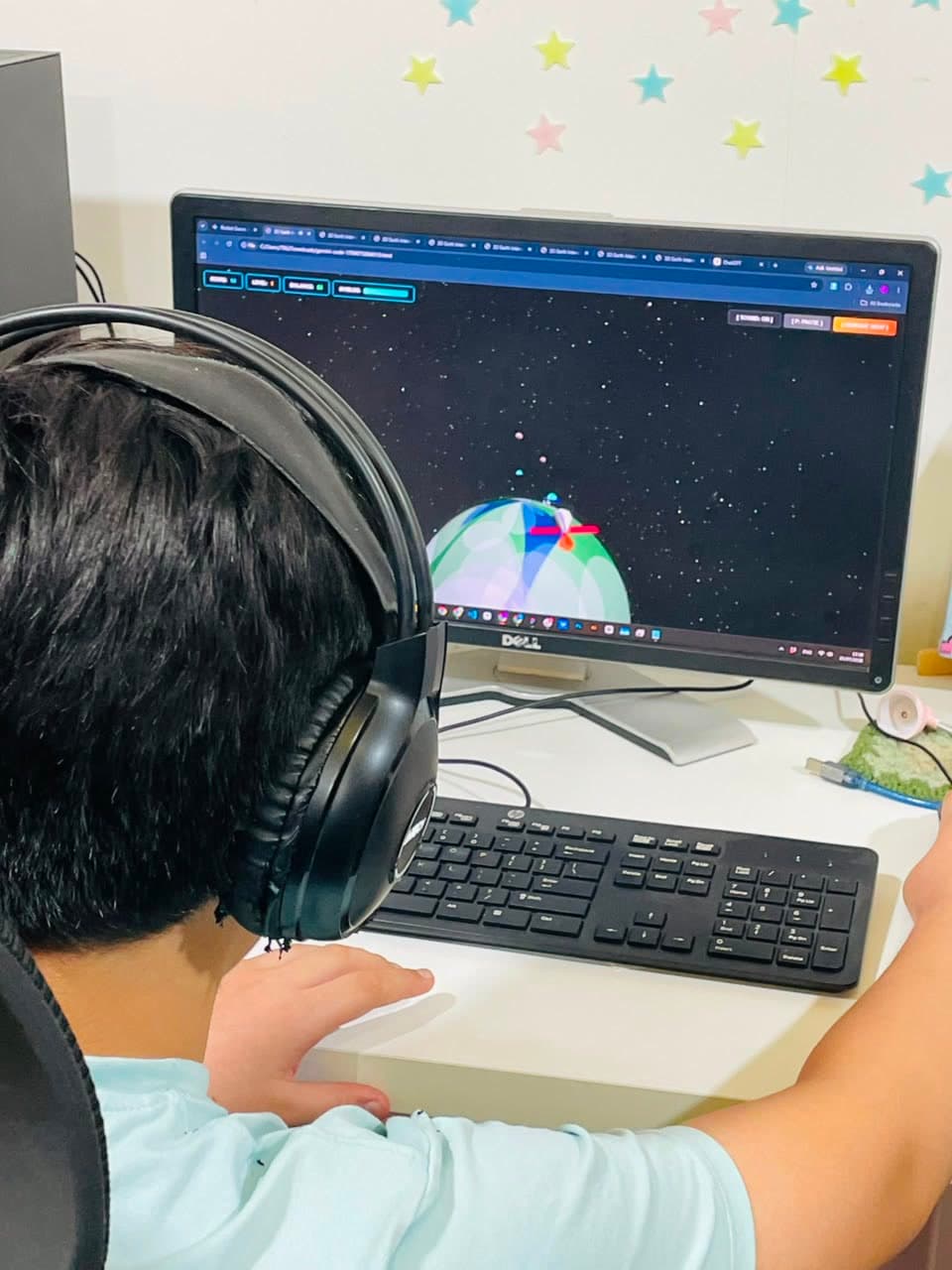
A student at a screen playing a 3D space game they built with AI

Step 1 · the kid is the director

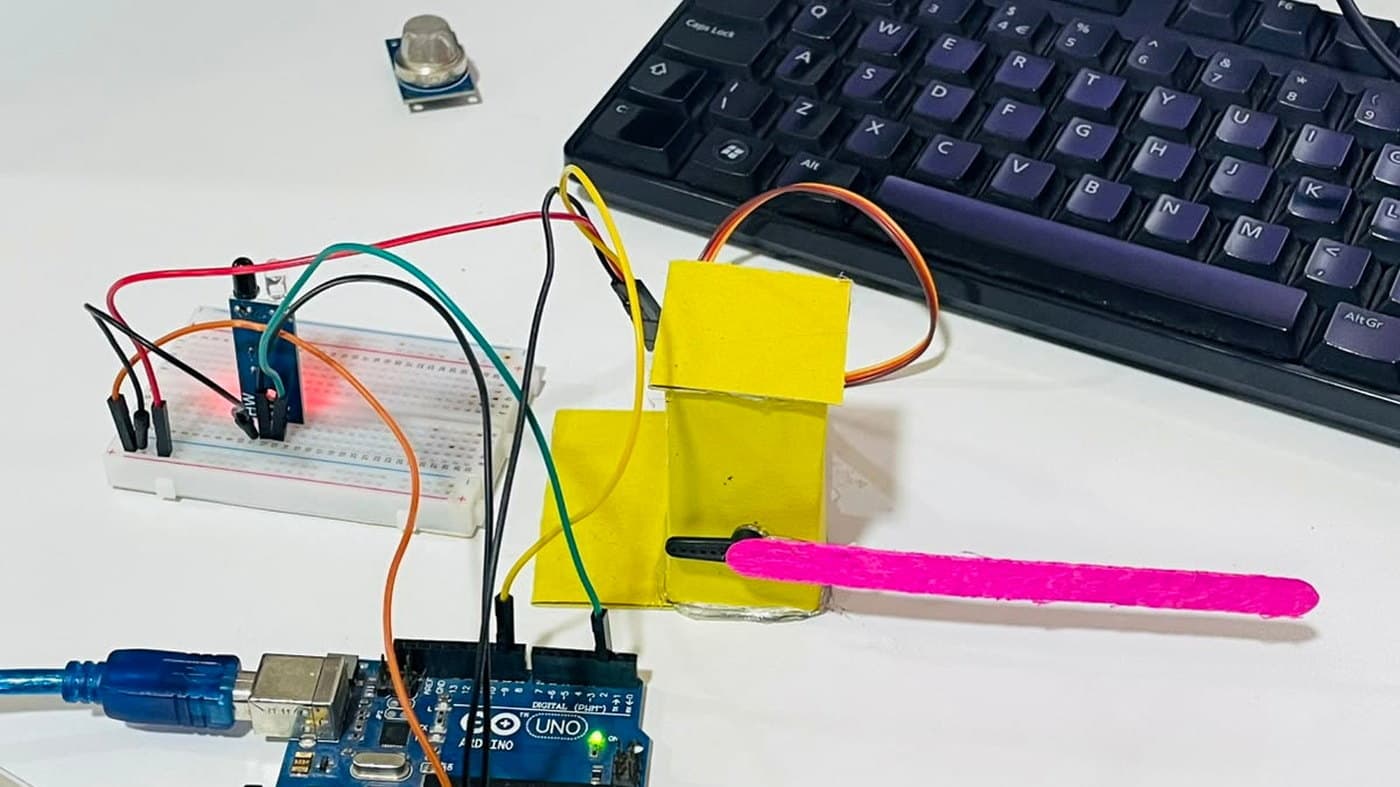
An Arduino Uno on a breadboard wired to a cardboard car barrier with a pink lolly-stick arm, beside an MQ-2 gas sensor

Step 3 · real hardware, wired by hand

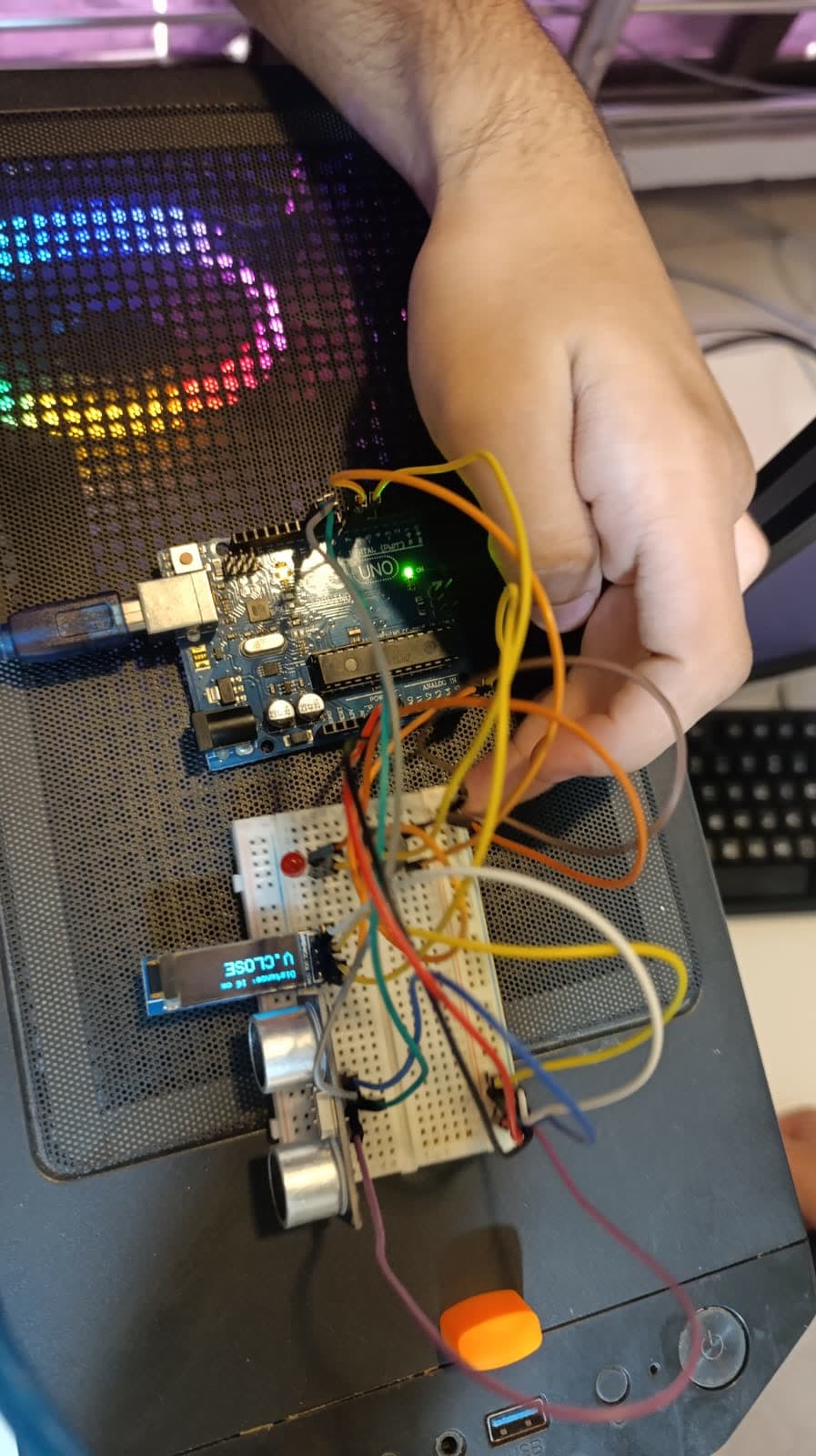
An instructor working through the wiring of a distance sensor with a student

Step 4 · the debugging moment is where the learning lives

In practice

What a Robonamix session actually looks like.

Five movements, shown here as a hardware session. A game or a film follows the same shape on a different bench.

  1. The pitch

    Every project starts with a kid describing what they want to build. Not in code, in words. "I want a robot that gets shy when you walk up to it."

  2. Commands first, then the AI

    First the raw commands, typed by hand. Then the AI: Robonamix's own kid-safe tools, built for ages 8–17, no signup, used with a mentor in the room. The AI picks the command or drafts the sketch — and the kid reads it before it runs.

  3. Wire it up

    Hands on real hardware. Arduino, sensors, servos, LEDs. Kids do the wiring themselves. This is where physical-world intuition is built.

  4. It doesn't work

    Of course it doesn't, the first time. This is the moment most programs avoid. We lean into it. The instructor and the AI help the kid diagnose: is it the code, the wiring, or the prompt?

  5. It works

    The robot does the thing. The kid records it working, and it goes into HQ with the rest of their work. They name it. Next session, they want it to do more.

Outcomes

What every kid walks away with.

A real thing they built.

Not a worksheet. A robot. A sensor project. A working circuit they built themselves — and the video of it working, to show the family.

How to think like a builder.

How to break a goal into parts. How to test. How to debug. The same mental model adult engineers use.

Knowing how to use AI well.

How to prompt. How to verify. How to spot when the AI is wrong. The skill nobody is teaching their kids yet.

A record of everything they made.

Photos, demo videos and the feedback on each, kept in HQ, their own workspace — private by default, shared when you choose.

Want to see this in action?

Message us on WhatsApp and we'll walk you through a real session. The AI prompts the kids use. The projects they build. What their portfolios look like.